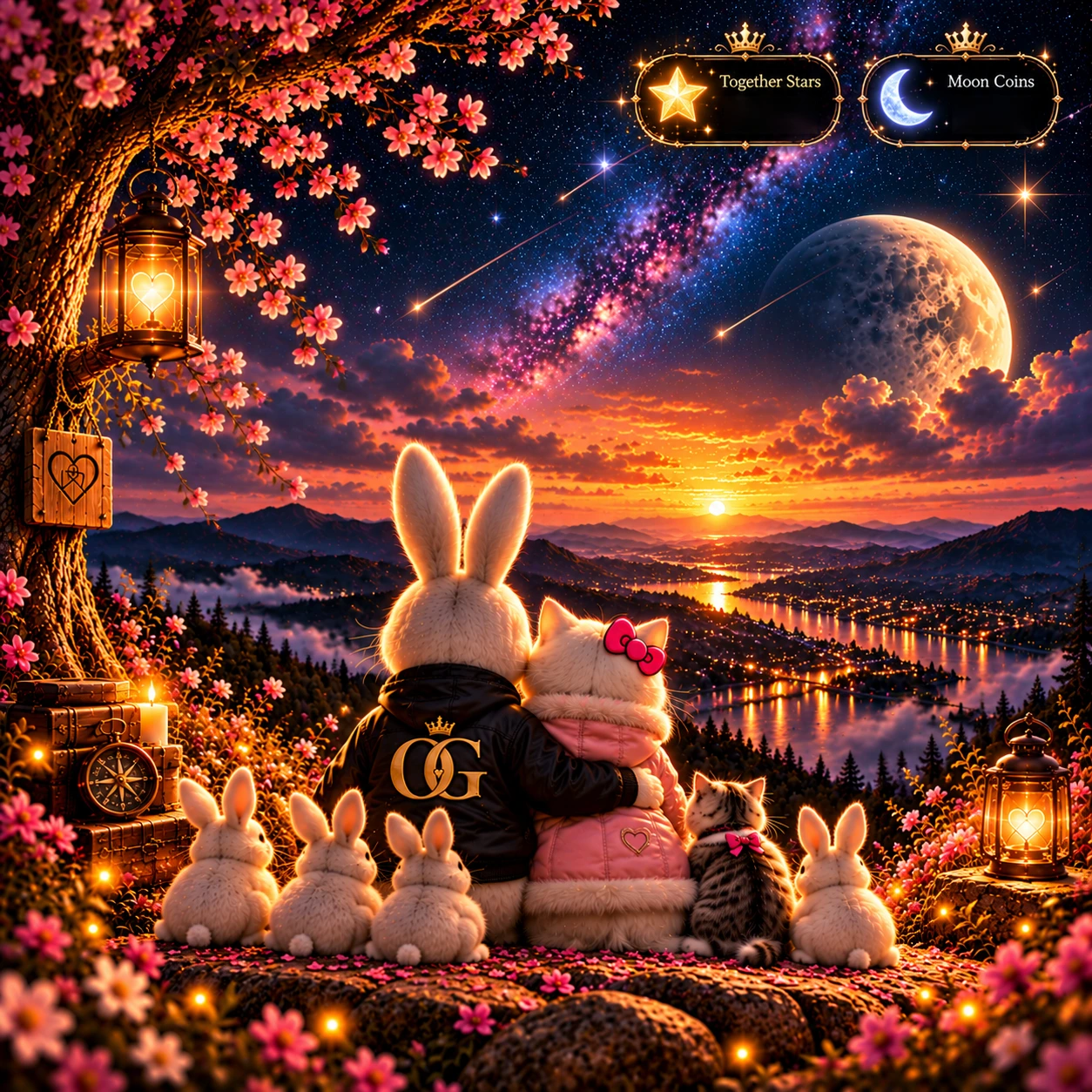
✦OUR LITTLE UNIVERSEB Bunny & Kenna KatOpen our universe ↗

A LITTLE CLOSER, EVERY DAY

Take our little
universe with you.

Our family under the stars. A little love on your Home Screen.

✦ Together Stars☾ Moon Coins♡ Love letters

Your phone will guide you through the final steps.

B Bunny, Kenna Kat and their five little ones together beside a glowing lake under the Kenna Kintsugi star
✦ KENNA KINTSUGI

Two hearts. One little universe.

Our artwork · Live balances appear after sign-in

MAKE A LITTLE SPACE FOR US

On your Home Screen.

↓

FOR B BUNNY

Android setup

APK ready

Download the app, connect your cloud account, then add your widget.

  1. Download & install. Tap “Install for Android” above. Open the APK from your phone’s Downloads folder and follow its installation prompts.
  2. Connect your account. Open Our Little Universe. Sign in with your existing Couple’s Cloud email and password.
  3. Add the widget. Press and hold an empty space on your Home Screen → Widgets → Our Little Universe → Add.
  4. Make it yours. Resize the widget. Tap Refresh to request fresh balances and letters.
My phone hasn’t started installing

Open My Files → Downloads → Our-Little-Universe.apk. If your phone asks to allow installation from this source, follow that prompt, then return to the APK. If a different message appears, keep the message visible so we can help with that exact step.

Android v91.3 places live counters in the top-right artwork badges. Updating from v91.1 requires uninstalling the old widget app, installing this build, signing in, and adding the widget again. Your cloud balances and letters remain saved.

♡

FOR KENNA KAT

iPhone setup

Scriptable

Your large artwork widget uses Scriptable. This button guides setup; iPhone does not install the Android APK.

  1. Get Scriptable. Install Scriptable from the App Store.Get Scriptable ↗
  2. Add our widget script. Tap Copy widget code below. Open Scriptable → tap + → tap in the blank editor → Paste. Name it OurLittleUniverse. If you already created that script, replace its contents with this code. A download by itself may not import into Scriptable.
    ↓ Download script

  3. Connect your account. Tap ▶️ to run the script once inside Scriptable. Sign in with your existing Couple’s Cloud email and password.
  4. Add the large widget. Press and hold your Home Screen → Add Widget → Scriptable → Large. Edit the widget, select OurLittleUniverse, and set When Interacting to Run Script.

iPhone script v91.4 places live counters in the top-right artwork badges. Tap the love-letter panel to open the inbox. Widget refresh timing is controlled by iOS. This script still needs verification on an iPhone.

THE LITTLE THINGS

Connected to us.

Will our stars and letters update?

After sign-in, the widgets read your existing Together Stars, your individual Moon Coins, and your latest received love letter from Couple’s Cloud. Updates are periodic, and your phone may delay them while saving power.

What does the unread indicator mean?

It means there’s a received letter you haven’t opened through this phone’s widget. Opening that letter through the widget clears the indicator on this phone. Reading a letter elsewhere doesn’t clear this widget’s indicator.

Do I need a new account?

No. Use your existing Couple’s Cloud account. Your website sign-in stays separate from your widget sign-in. Your password is used to sign in and isn’t saved by the widget.

Will this change anything in our universe?

The widgets read your existing balances and letters. They don’t spend stars, move Moon Coins, or change your saved rooms and memories.